Under Add code, choose Group Attendee and enter the code: 2709CLAN.
Click Add, then select Select & Go to the Next Step.
Review your booking dates and click Update Dates of Stay if needed.
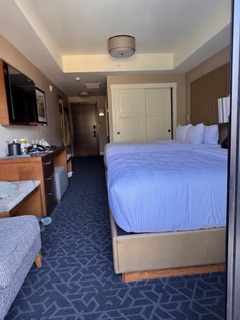
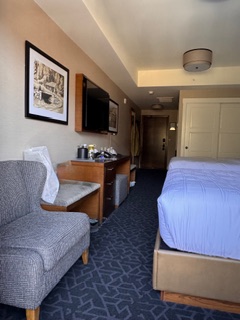
Choose your room type.
Click Add Room & Checkout.
Enter the required guest and payment information.
A confirmation email will be sent to the email address you provide.
Any other pre-pay special or promos we have running at that time may also populate; but these cannot be combined with your booking code.
If you prefer to call, just phone the hotel's main line, 403.812.0680 , provide the booking code (2709CLAN) to the agent on the phone, and they will be able to assist you.